What "connecting" AI to creative tools actually means
This isn't one button that links Claude to Blender and lets it drive the software for you, at least not yet for most of these tools. What it actually looks like today is a workflow: Claude or ChatGPT does the thinking, planning, and prompt-writing, and a specialized tool does the rendering. You stay in the loop moving outputs from one to the other, or in a growing number of cases, a direct connector does that handoff for you.
Three patterns cover almost everything people mean by "AI plus creative tools":
- AI writes the brief, you feed it to the tool. Claude drafts a shot list, a script, a style direction, or a precise image/video prompt. You paste that into Runway, Midjourney, or your design tool by hand. No technical connection at all, just better input.
- AI generates the asset directly. Some tools now take a prompt and generate the video, image, or model themselves, no separate app required. Claude and ChatGPT can both generate images natively; some plans include video generation too.
- A real connector or plugin links the two. A smaller but growing set of tools (Blender among them) have an MCP server, an actual technical bridge that lets Claude send commands into the other software directly. See topic 5 for what MCP is in plain English.
Social media videos
The brief-then-generate pattern is the standard workflow here. Ask Claude or ChatGPT to write a shot-by-shot script for a 15 to 30 second product or brand video: what's on screen each second, the pacing, the hook in the first 2 seconds, the caption text, a suggested voiceover line. Hand that script to a dedicated video generation tool like Runway, which turns text or image prompts into actual video clips.
A small business owner wants a 20-second Instagram Reel announcing a new product. They ask Claude: "Write a 20-second shot list for a Reel announcing [product], hook in the first 2 seconds, upbeat tone, end with a clear call to action." Claude returns 4-5 timed shots with suggested visuals and on-screen text. The owner takes each shot description into Runway, generates the clips, and stitches them together in a basic video editor. The AI chat never touched the video software directly, it did the creative thinking that made the video software's output good instead of generic.
Runway specifically takes text prompts and/or a reference image and generates short video clips, camera movement included. It has an API, meaning a developer could wire it into an automated pipeline, but for a small business owner, the practical workflow is: write the prompt with AI's help, paste it into Runway's own interface, generate, download.
Branding and design assets
Claude and ChatGPT can both generate images directly inside a normal chat now, logos, mood boards, social graphics, mockups. For anything that needs to stay on-brand and be editable afterward (not just a one-off image), the better pattern is using AI to build the creative direction, then executing it in a real design tool:
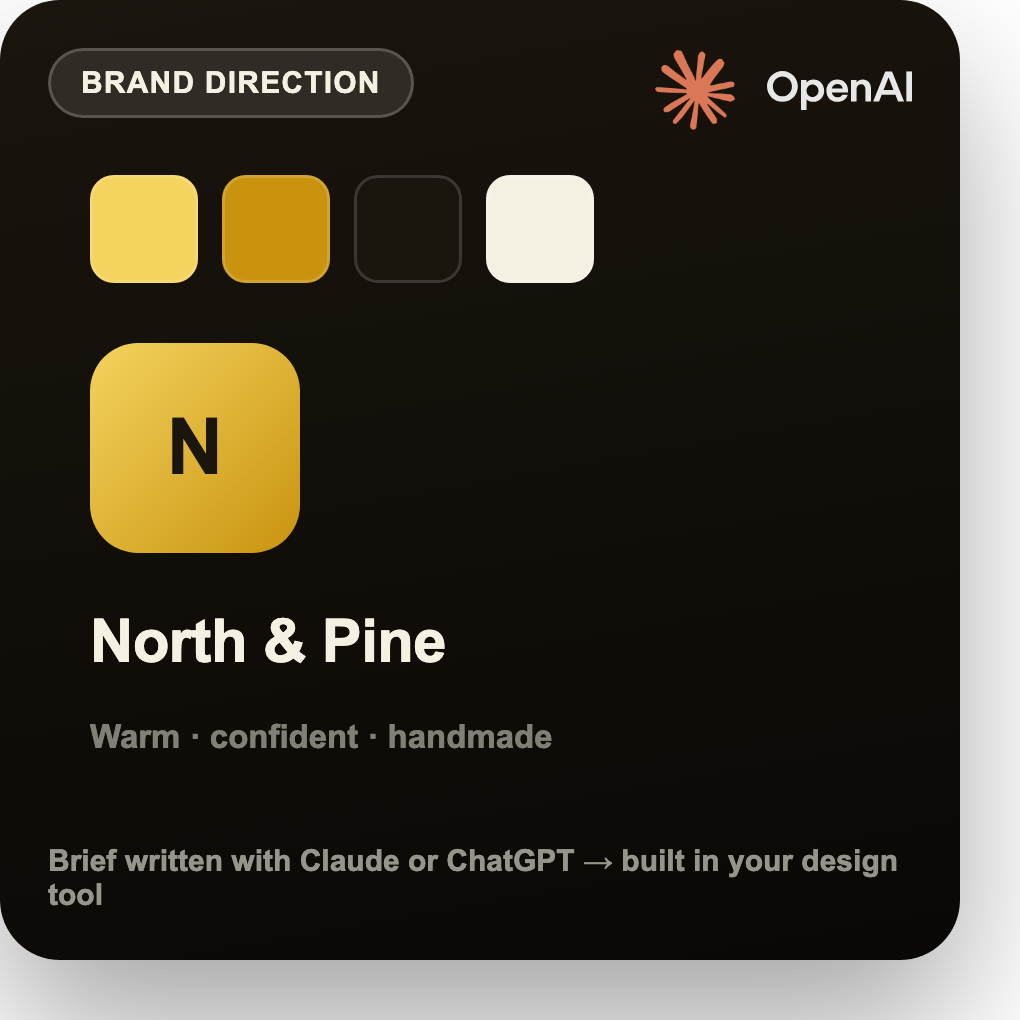
- Brand voice and direction. Ask Claude to turn a rough description of your business into a one-page brand brief: color feeling, tone of voice, 3 reference adjectives, what to avoid. Hand that brief to a designer or a tool like Canva as a starting point, instead of starting from a blank page.
- Generated starting points. Use Claude's or ChatGPT's built-in image generation for a first-pass logo concept or social template, then refine it in a real design tool (Canva, Figma, Photoshop) since AI-generated images aren't usually editable vector files.
- Copy that matches the visual. Once a design direction exists, Claude is strong at writing the words that go with it, taglines, captions, ad copy, in a consistent voice across dozens of assets.
3D product demos
This is the one spot where a real technical connector already exists and works today. Blender has an official MCP server, meaning Claude can connect directly to Blender and send it commands: create an object, apply a material, move the camera, run a render. Instead of manually clicking through Blender's interface, you describe what you want in plain English and Claude drives the software.
With Blender's MCP connector set up, you could tell Claude: "Create a simple rotating product display: a cylinder with a glossy material, soft studio lighting, camera orbiting around it." Claude sends the actual commands into Blender to build that scene. You still need Blender installed and the connector configured, this isn't a no-software-required workflow, but it removes most of the manual clicking for someone who isn't a trained 3D artist.
For a small business that doesn't want to touch Blender at all, the simpler path is a text-to-3D or text-to-video tool that generates a product-style render directly from a prompt and a product photo, with Claude or ChatGPT used beforehand to write a precise, well-structured prompt describing the material, lighting, and camera angle you want.
Setting expectations before you start
- Most of this is still a two-tool workflow, not magic automation. AI plans and writes prompts, the specialized tool renders. Budget time for moving outputs between them unless a direct connector exists for that specific pairing.
- Direct connectors are new and limited. Blender's MCP server is a real, working example. Most creative tools (Runway, Canva, most 3D and video software) don't have a direct Claude/ChatGPT connector yet, you use their own apps with AI-written prompts feeding in.
- Quality still depends on a good brief. A vague prompt produces a generic result in any of these tools, AI-connected or not. The real value AI adds here is turning "make me a product video" into a specific, well-structured brief the creative tool can actually execute well.
- Security applies the same way it does to any connector. If you do set up a technical connector (like Blender's MCP server), the same rules from topic 2 apply: understand what access you're granting, and don't connect tools that touch sensitive business data without checking what that connector can see and do.
The practical starting point for a small business
You don't need to set up a technical connector to get real value here. Start with the brief-then-generate pattern: use Claude or ChatGPT to write a tight, specific creative brief (shot list, prompt, brand direction), then execute that brief in whichever specialized tool fits the job, Runway for video, your design tool for branding, a text-to-3D tool or Blender for product renders. That alone, done well, is most of what separates a generic AI-assisted asset from one that actually looks intentional.